Open-source design tool
开源设计工具
Co-design with AI.
Edit it both ways.
人机协同设计,
双向编辑。
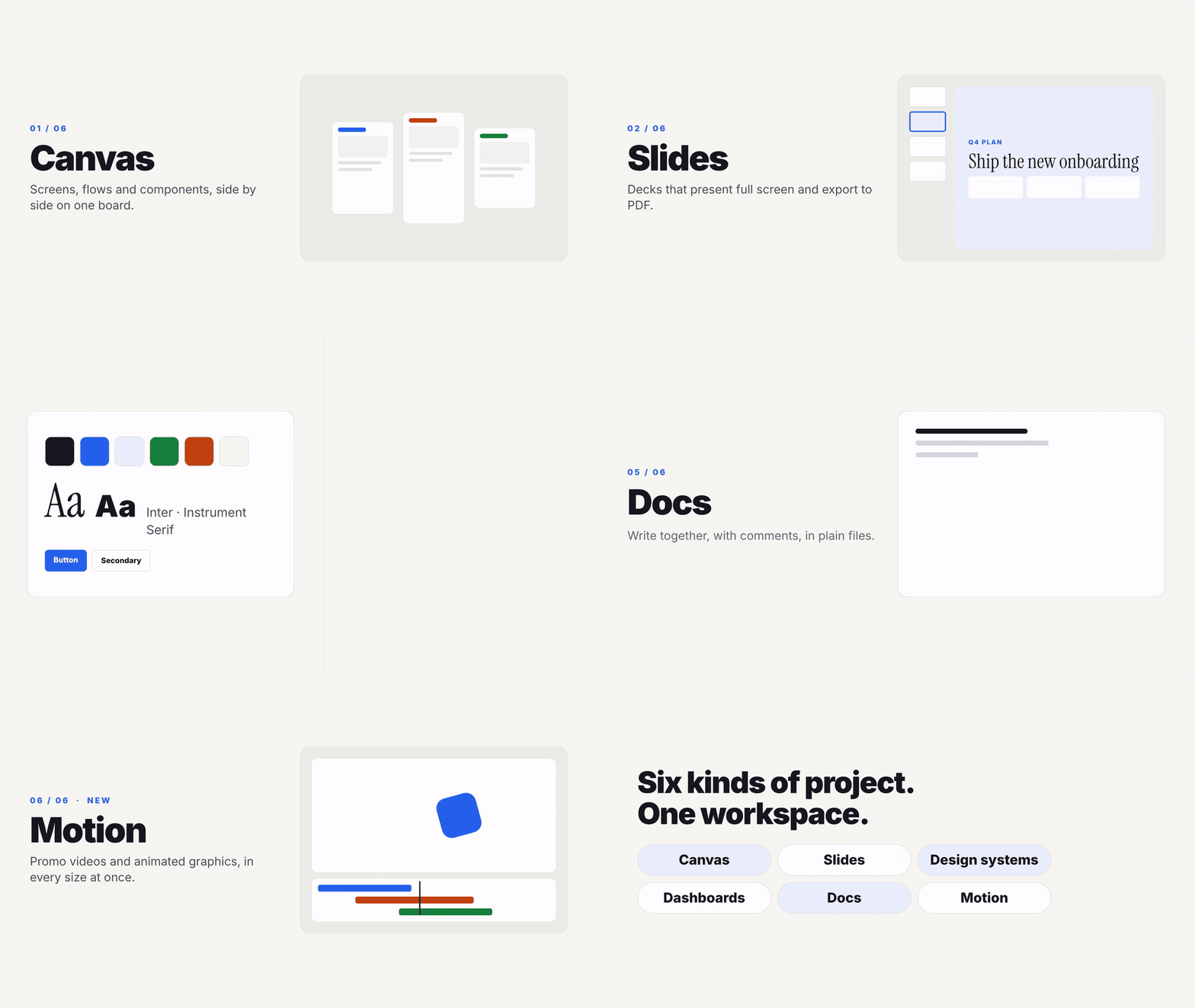
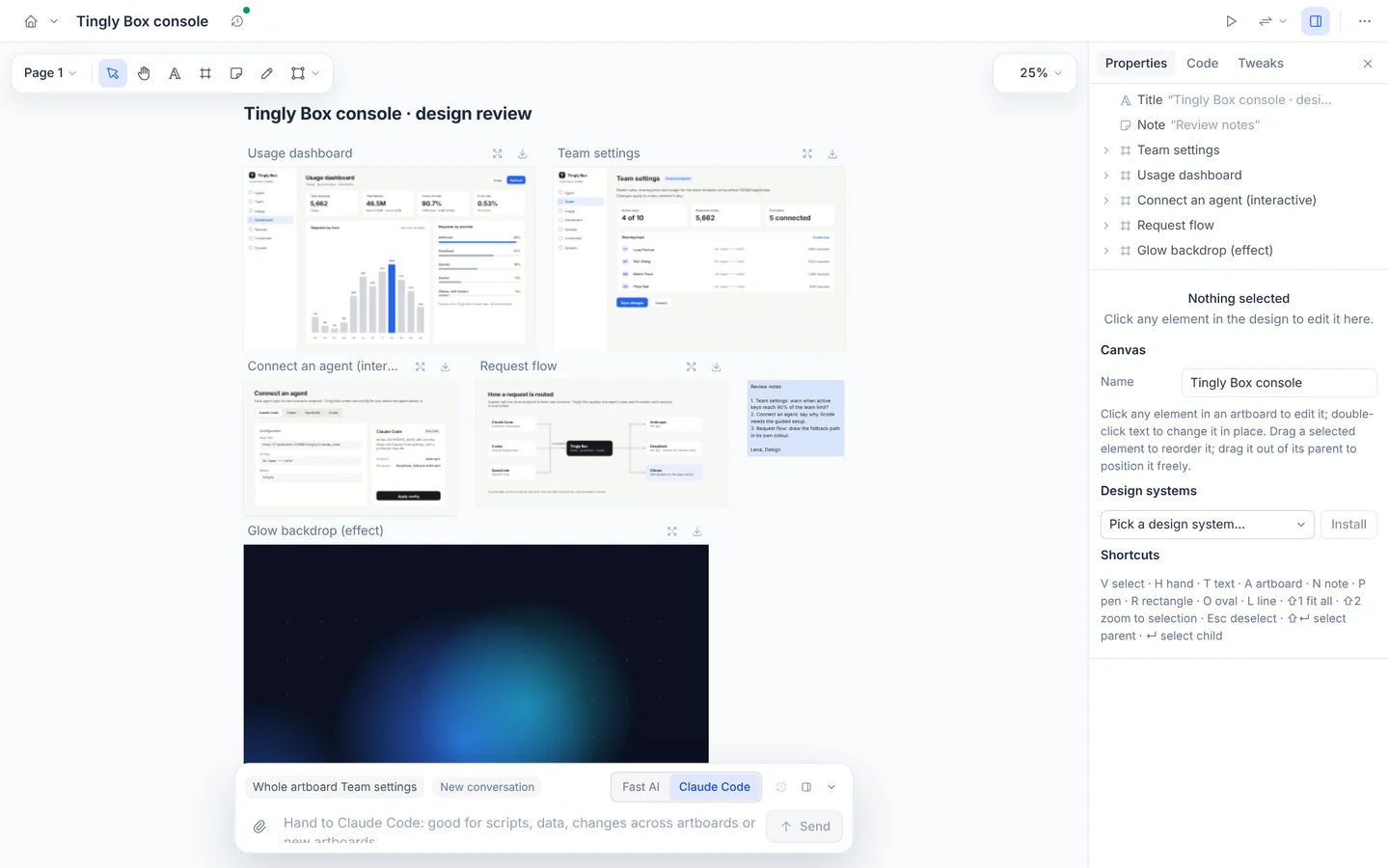
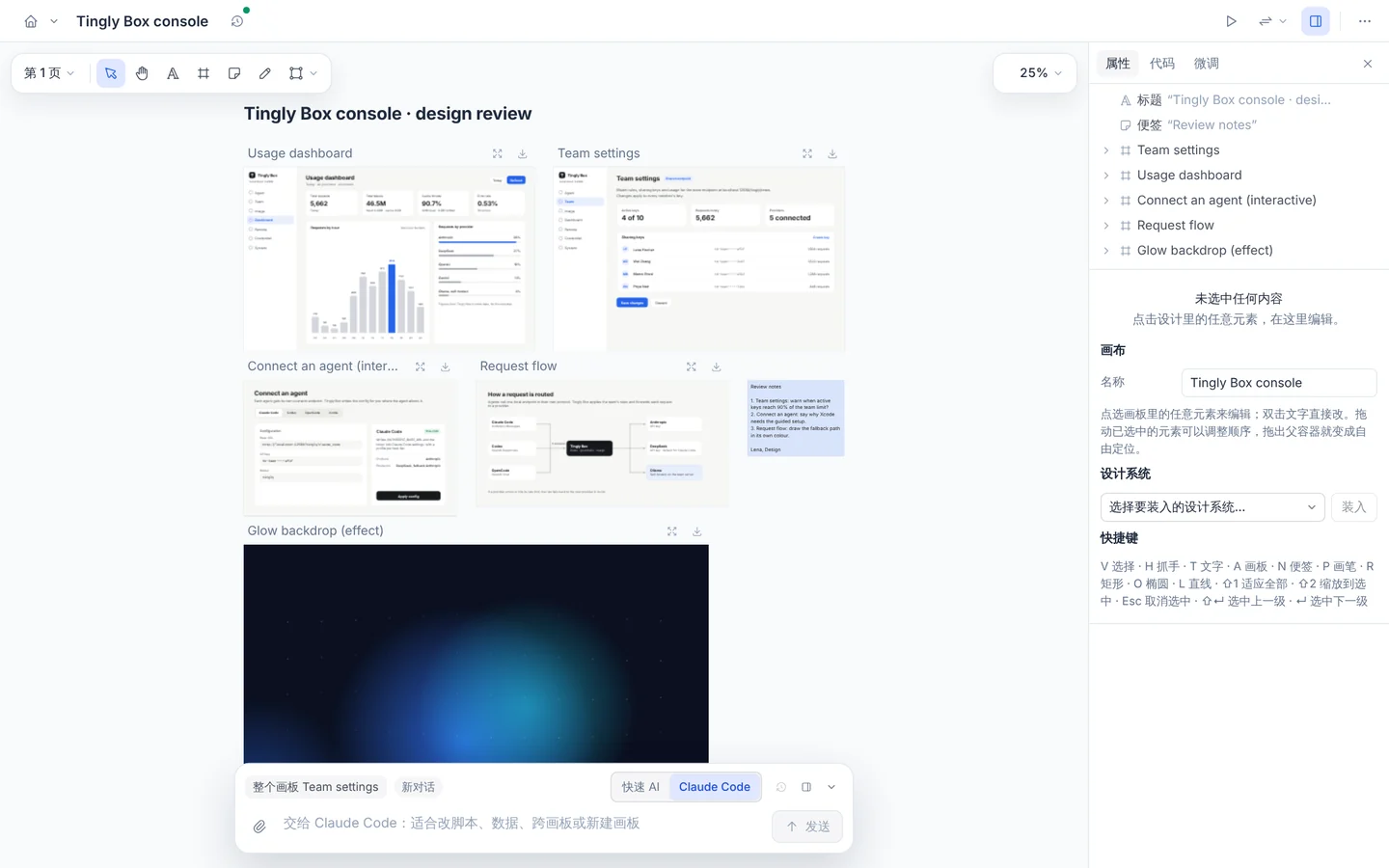
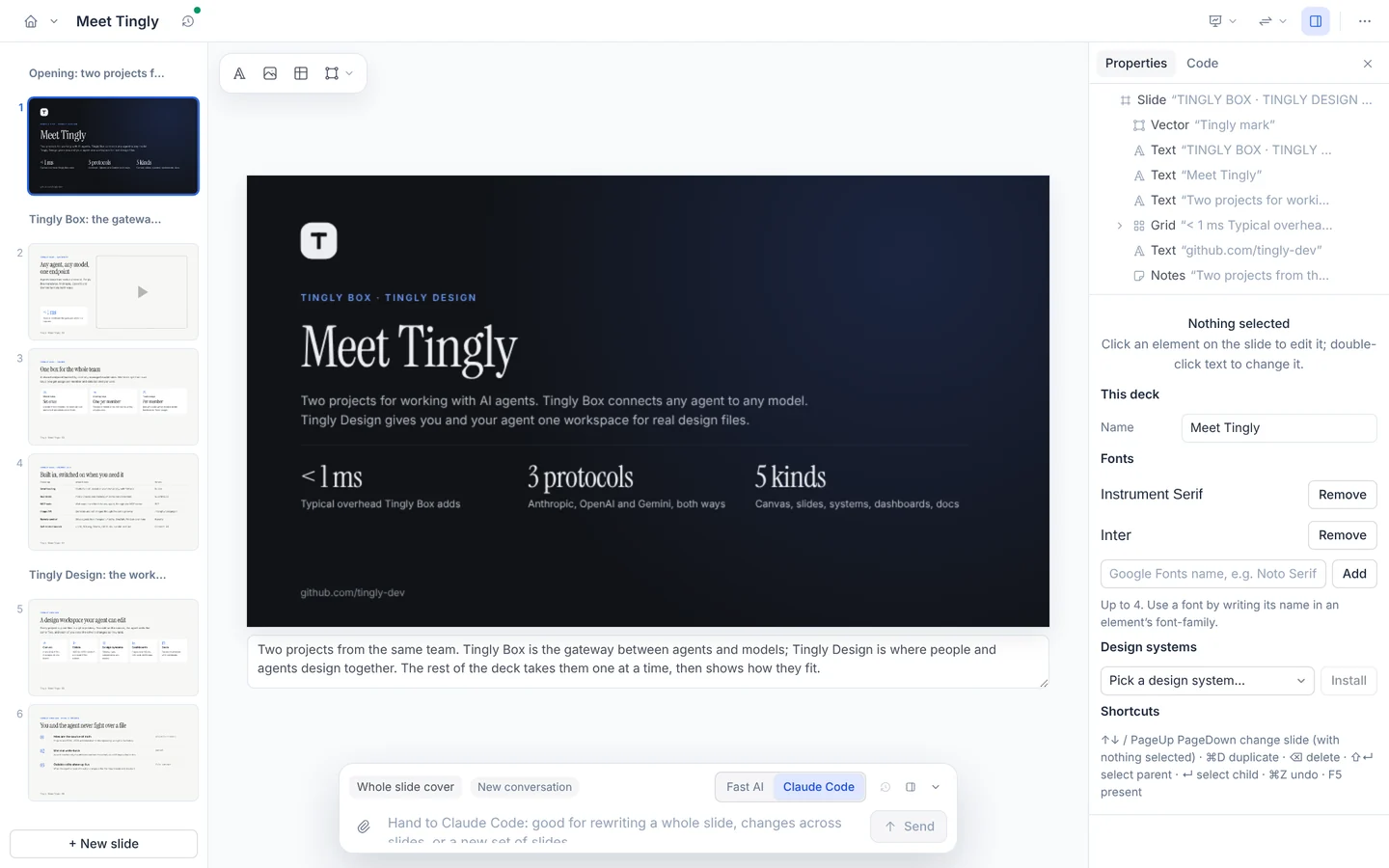
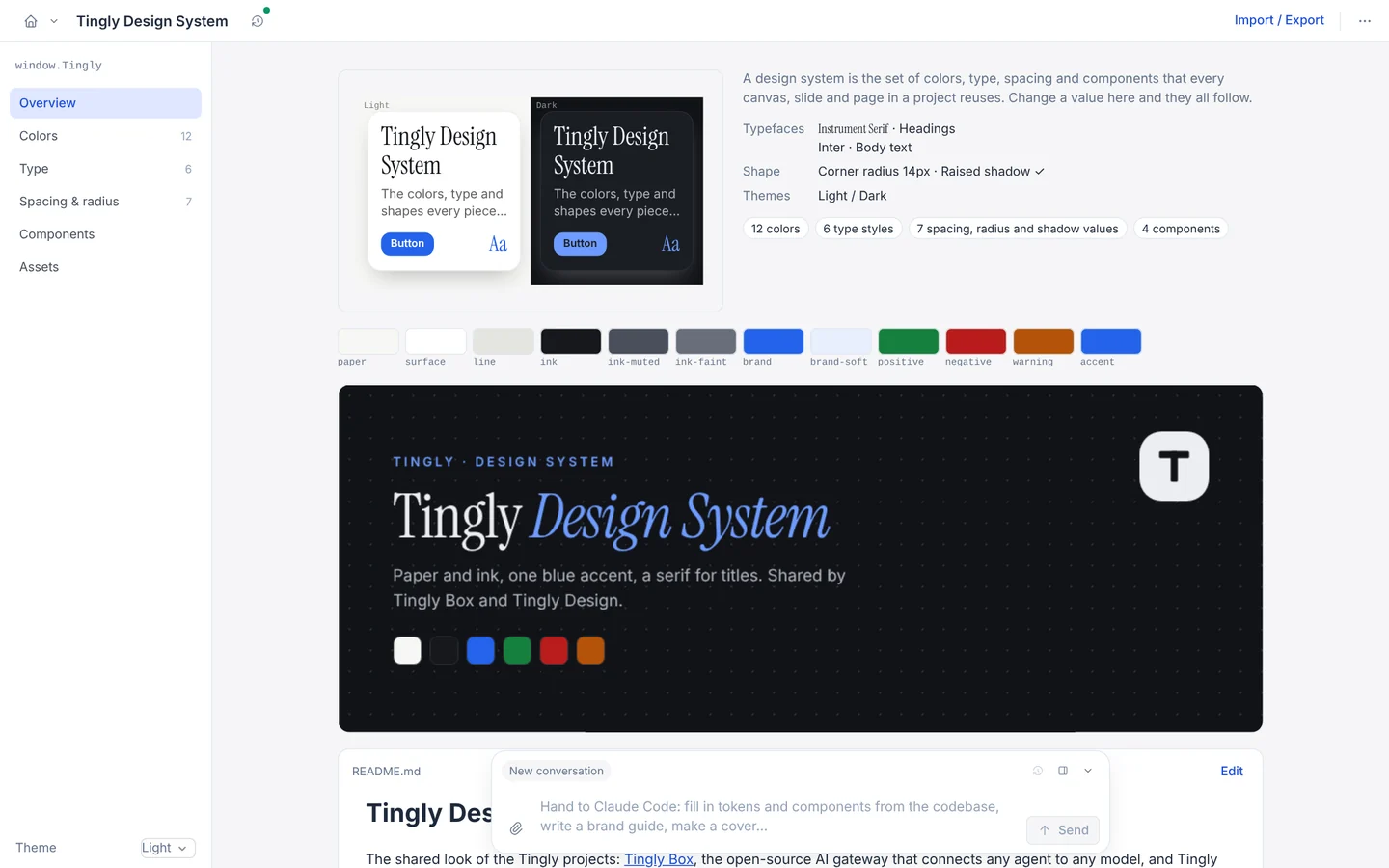
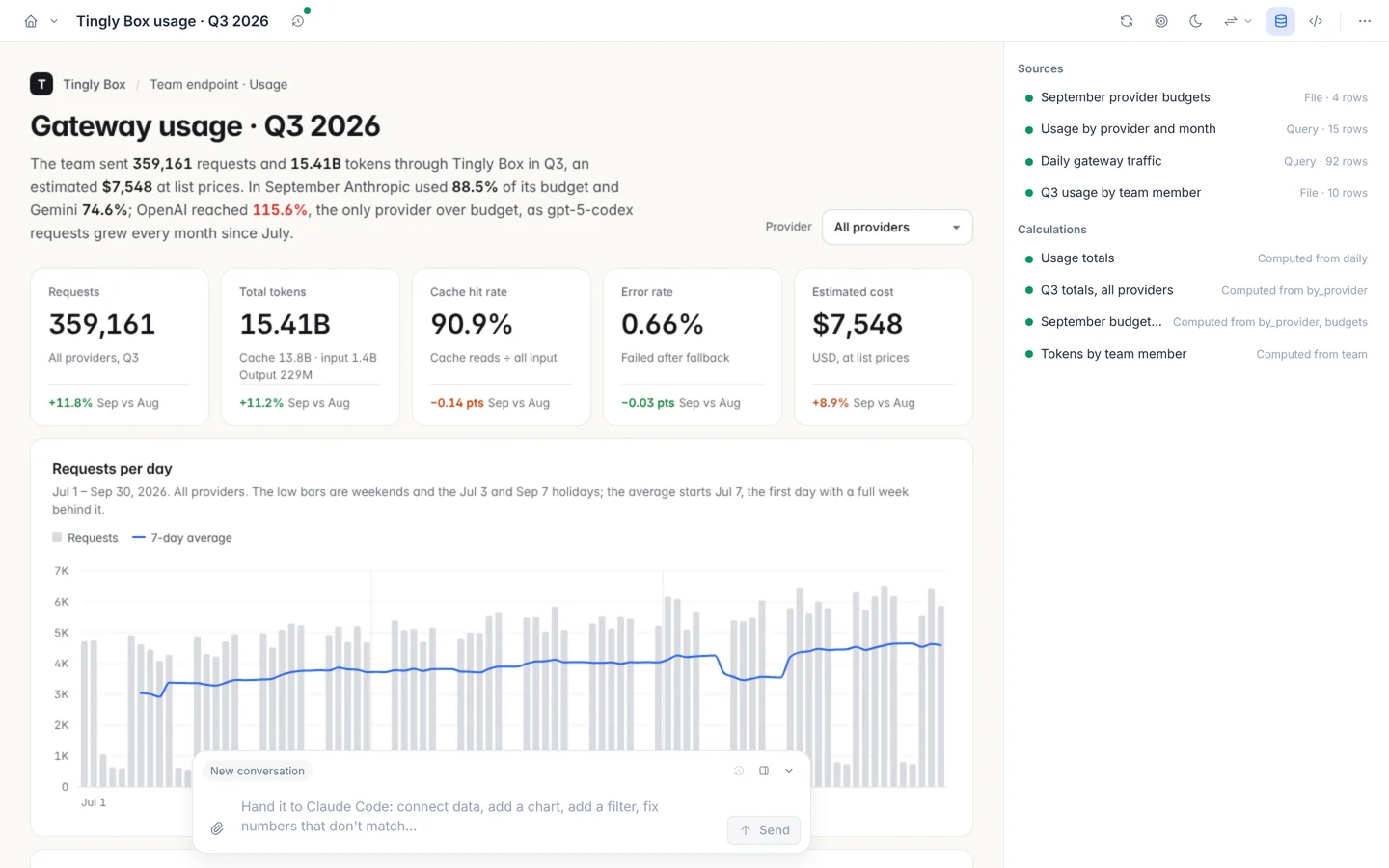
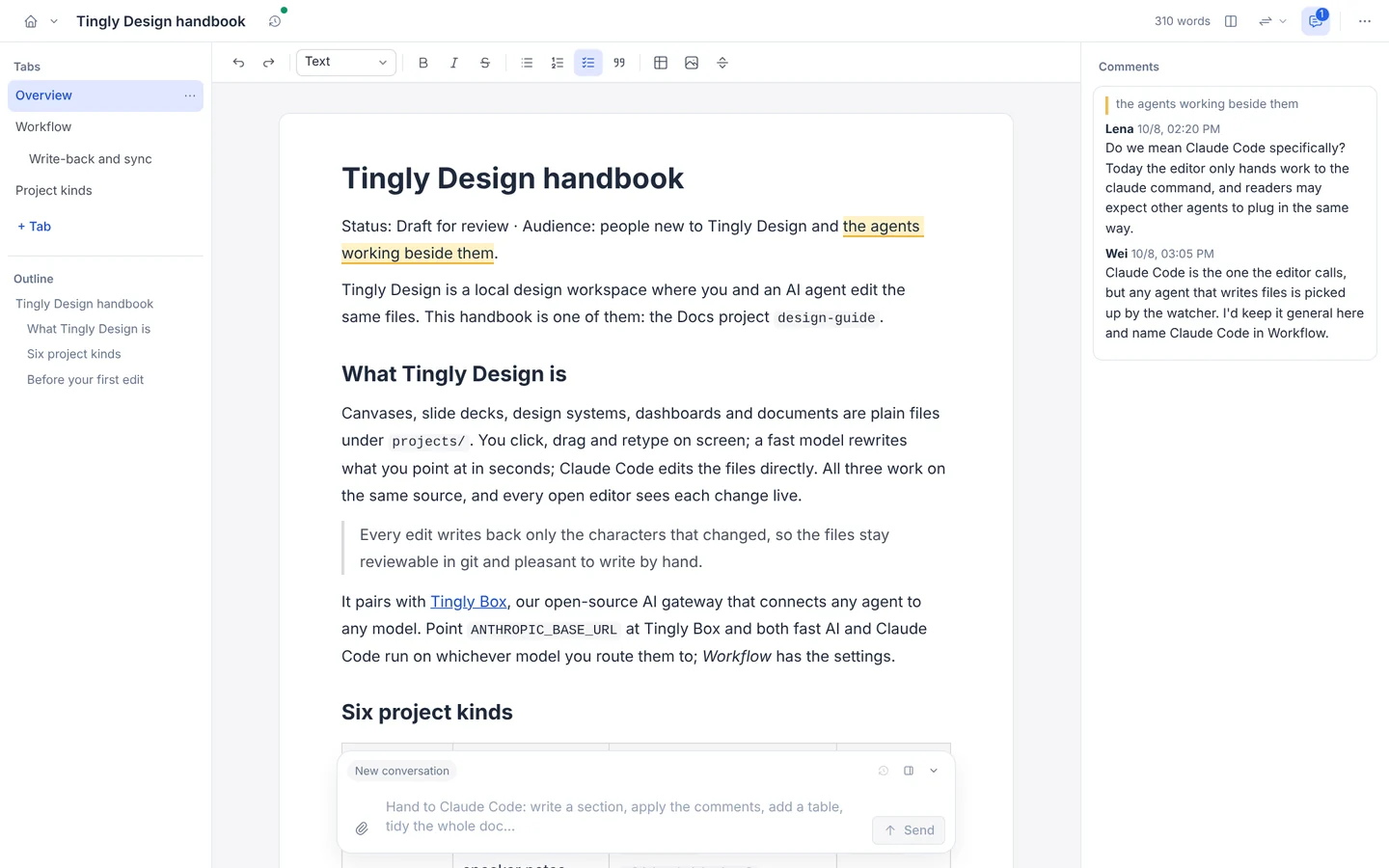
Drag on the canvas, or let a model and Claude Code change the file: whichever side you edit, the other updates at once. Canvases, slides, design systems, dashboards, docs and motion are all plain files, and every edit writes back only the characters that changed.
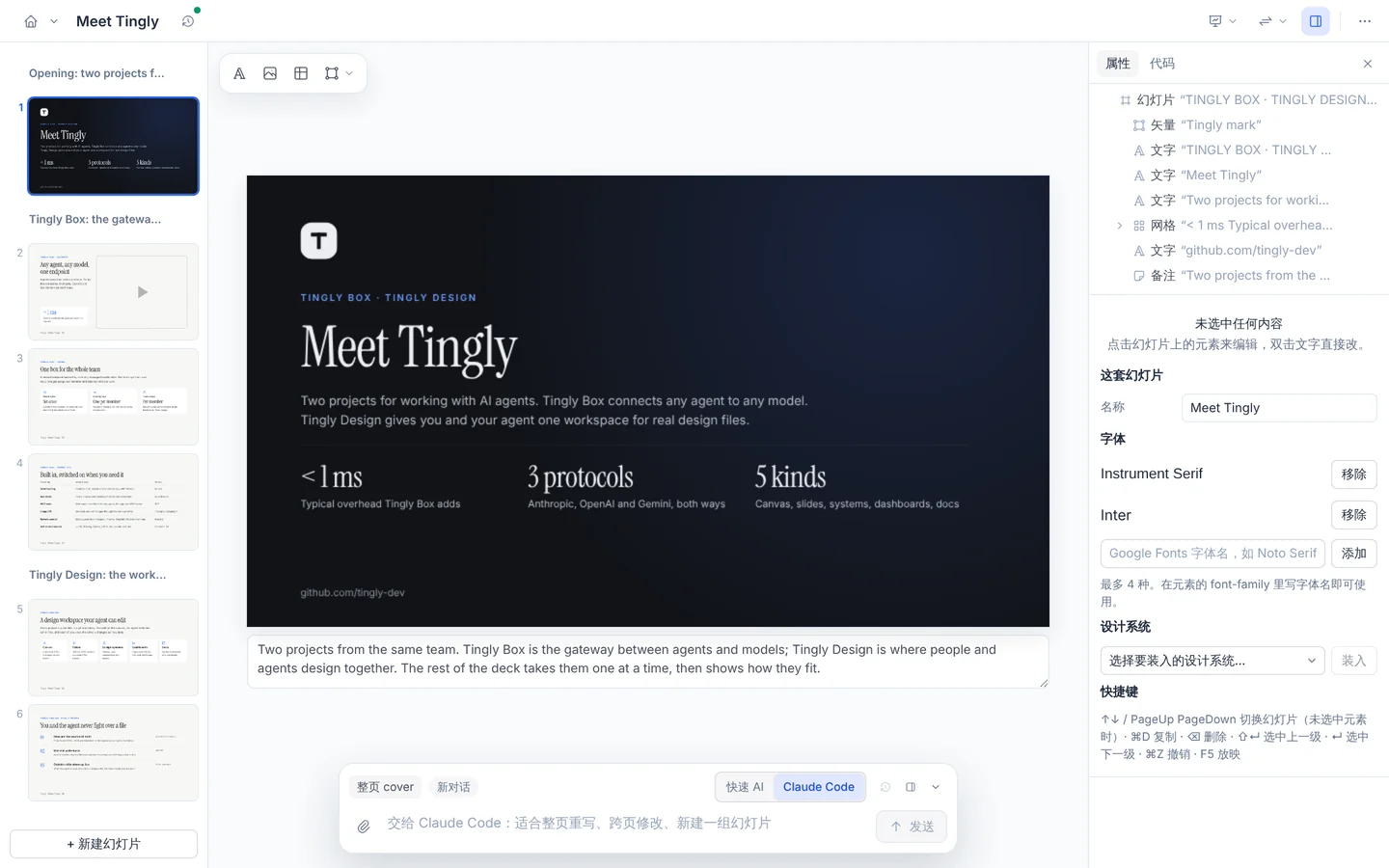
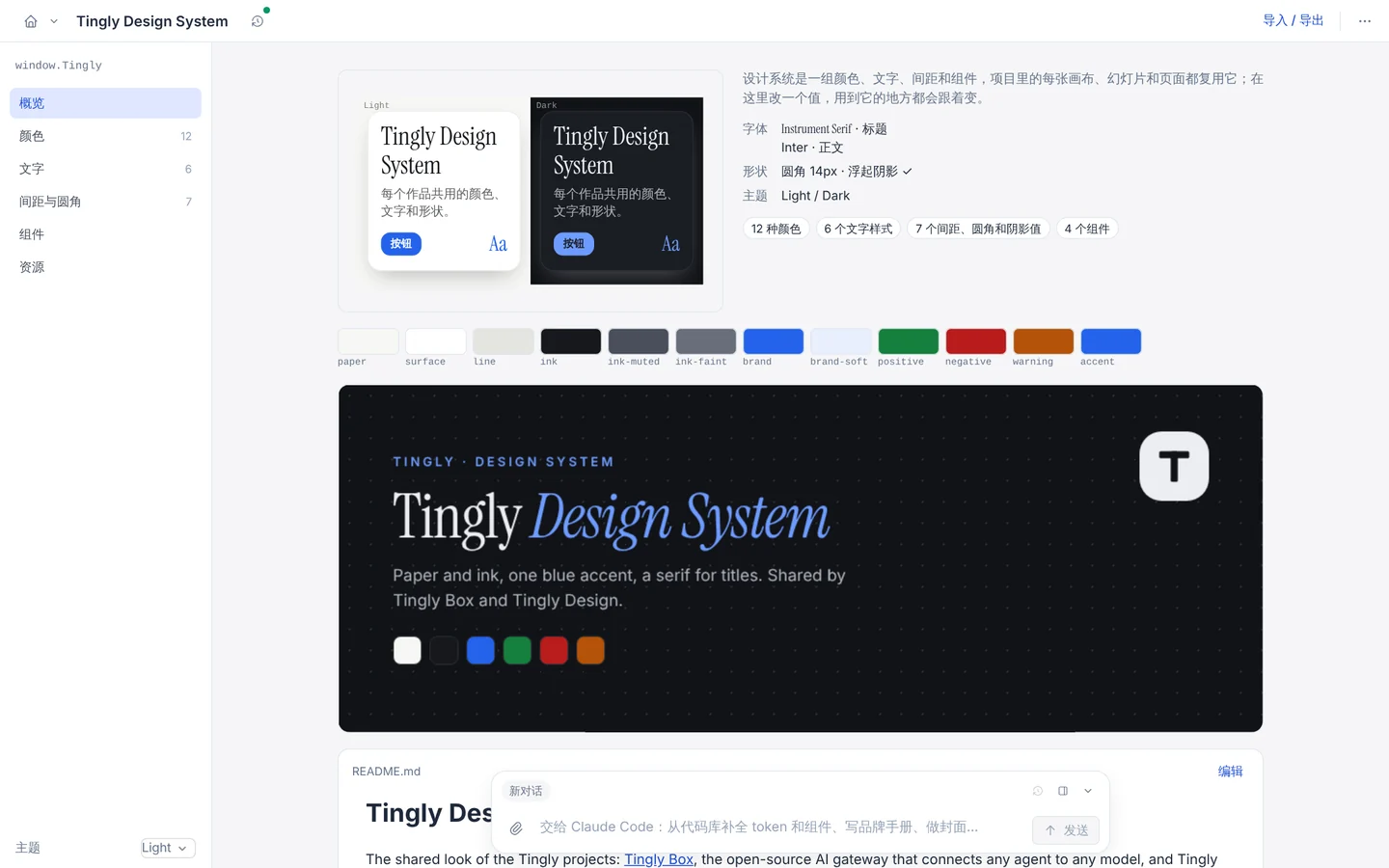
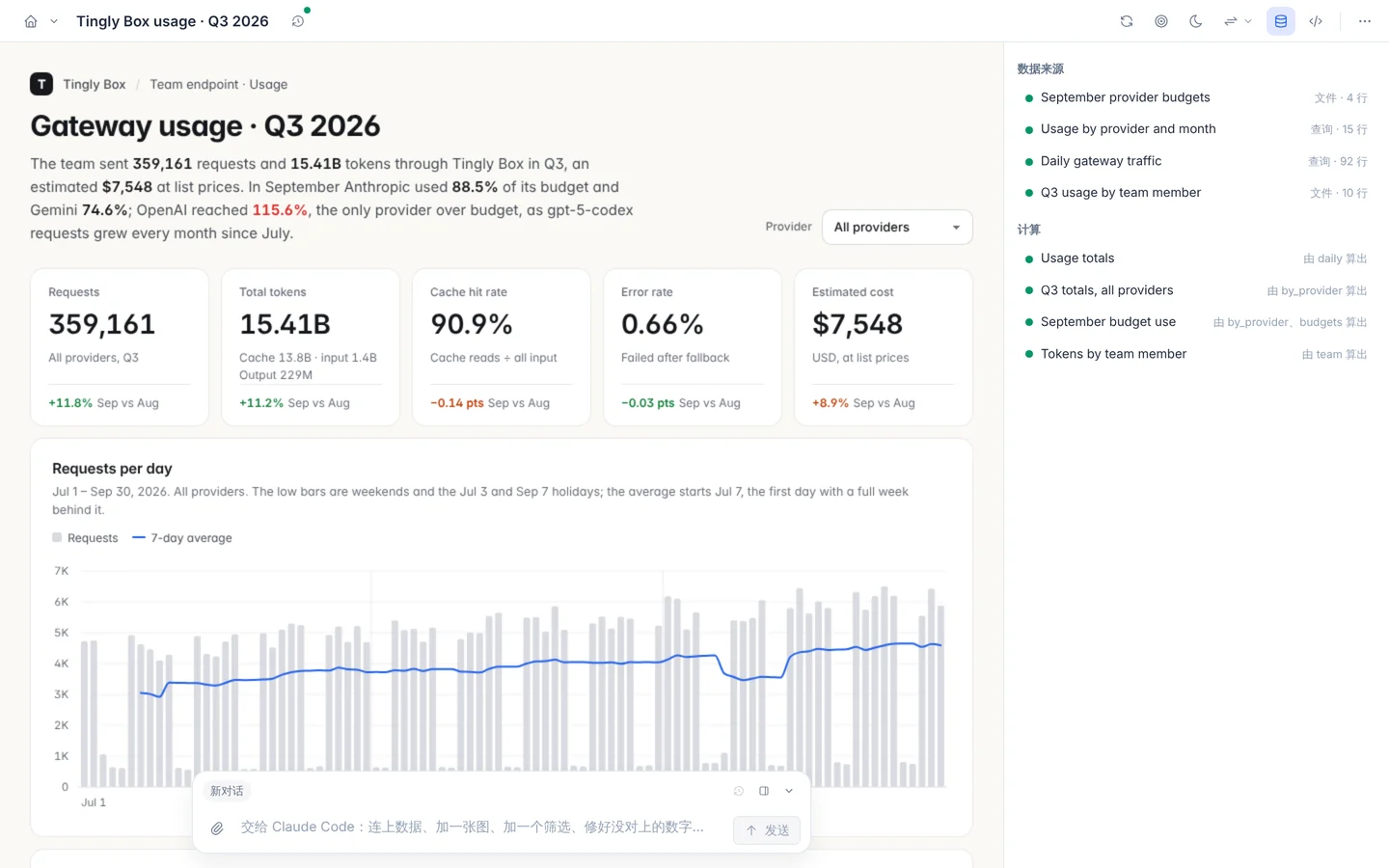
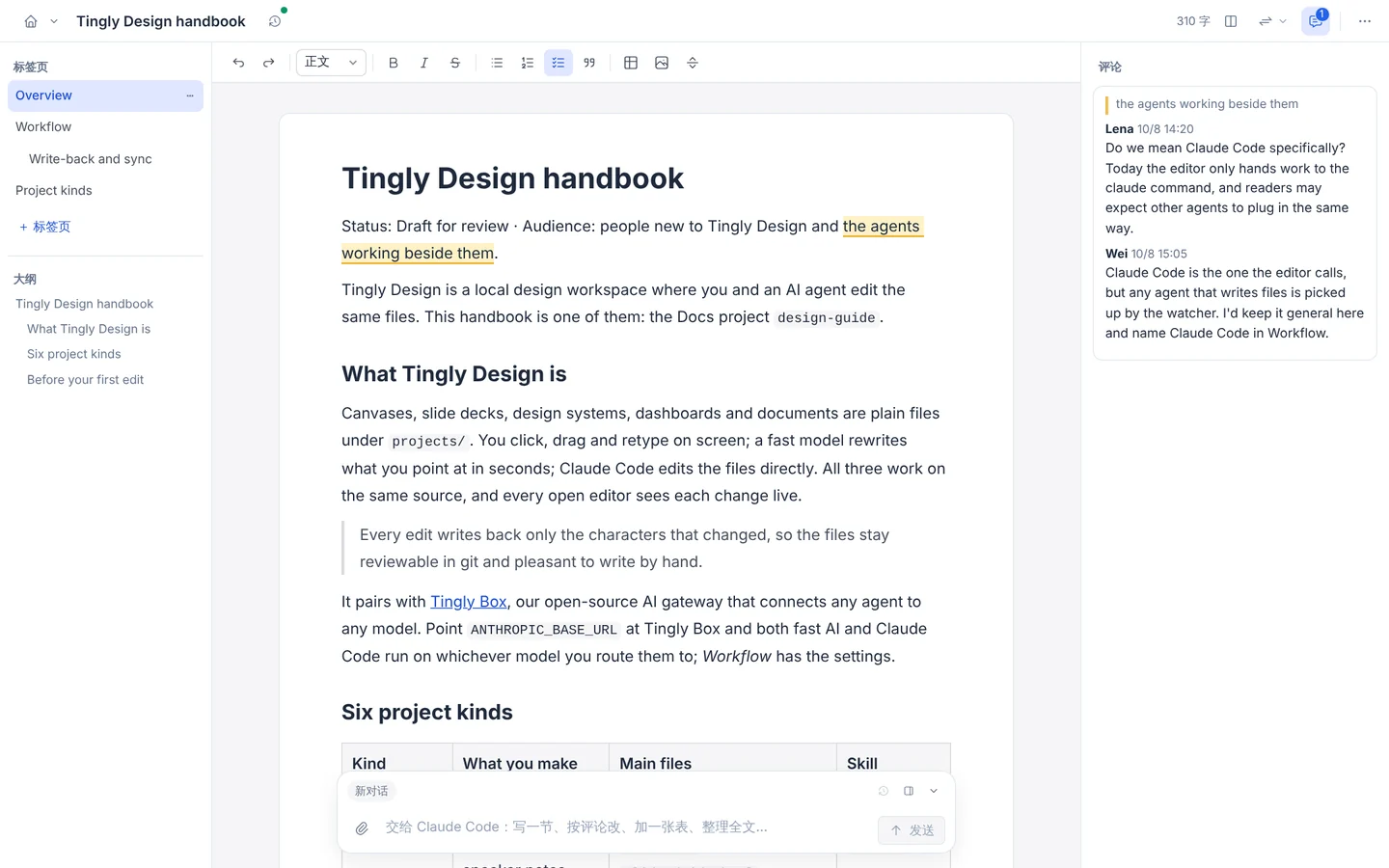
在画布上点选拖拽,或者让 AI 和 Claude Code 直接改文件:改哪一边,另一边立刻同步。画布、幻灯片、设计系统、仪表盘、文档、动效,都是普通文件,每次编辑只写回真正变了的那几个字符。
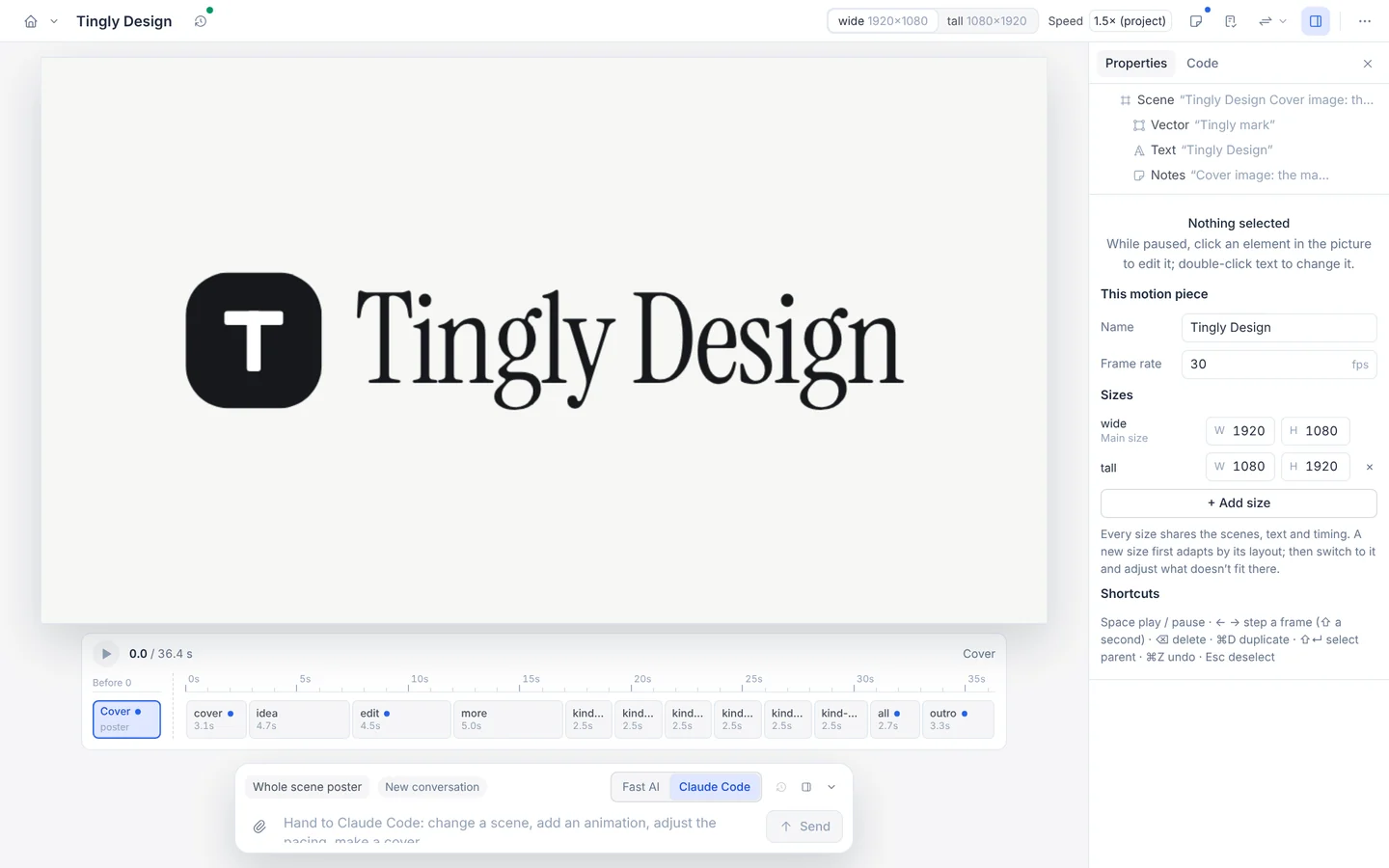
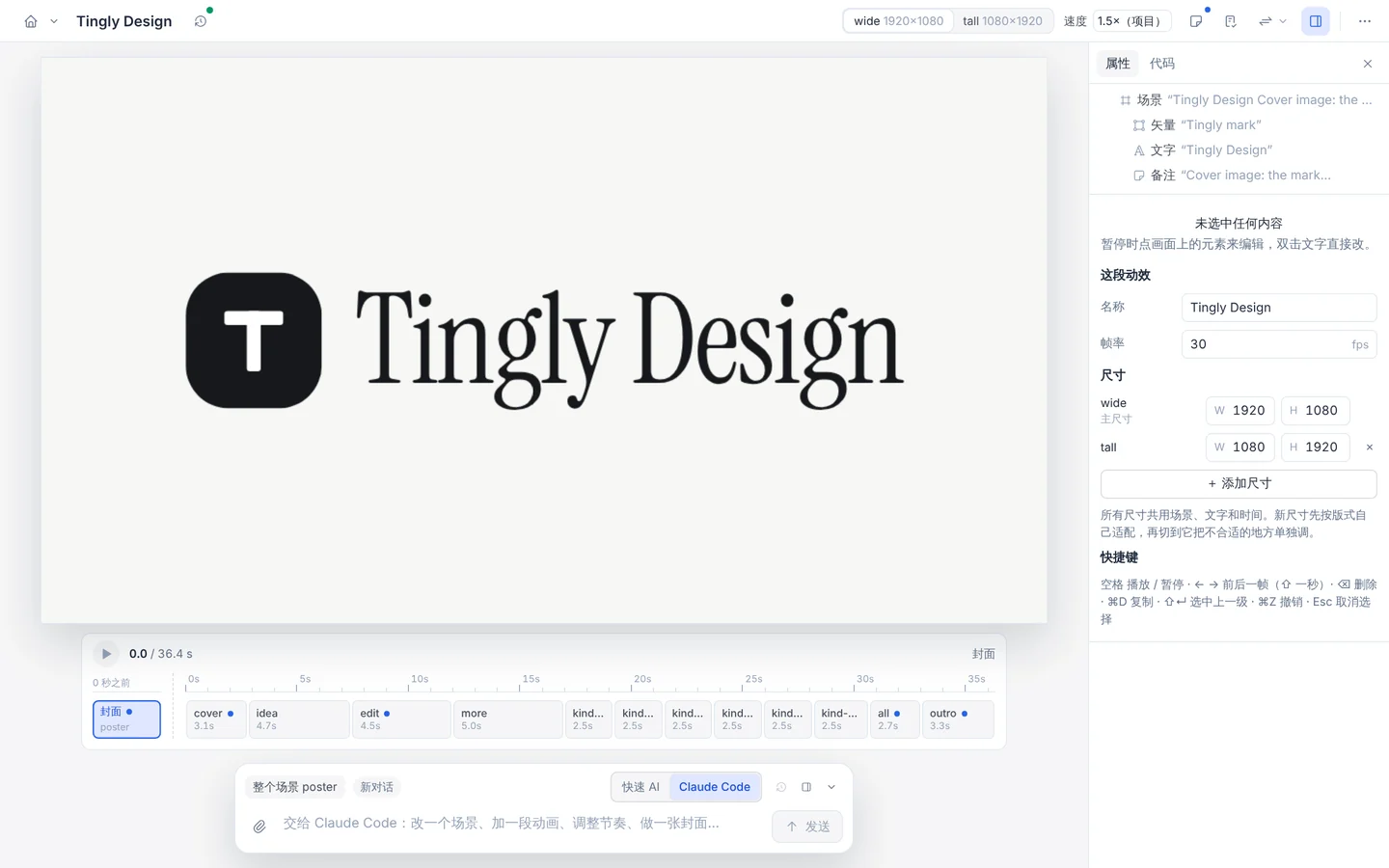
One motion project, two formats from the same scenes, rendered by CI from projects/design-motion. On a narrow window only the small-screen version is shown.
同一个动效项目、同一组场景输出两种画幅,由 CI 从 projects/design-motion 渲染。窗口较窄时只显示小屏版本。
Two-way editing, one file in the middle
双向编辑,中间只有一份文件
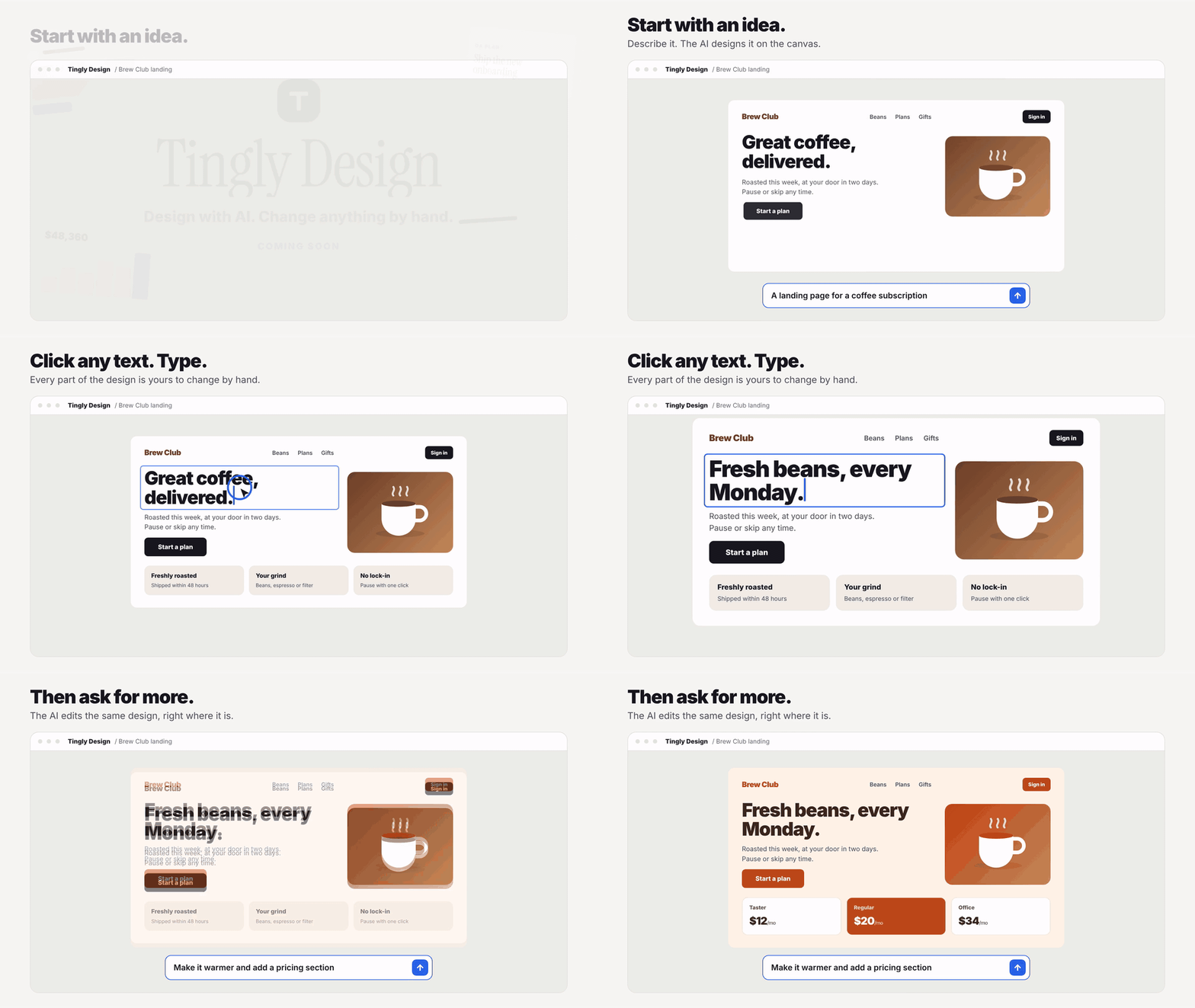
In the editor
在编辑器里
Click, drag and retype. The change is written into the file as a minimal patch.
点选、拖动、改字。改动以最小补丁写进文件。
The plain file
普通文件
HTML and JSON under projects/. Readable, diffable, yours to keep in git.
projects/ 下的 HTML 和 JSON。能读、能 diff、能放进 git。
Fast AI, Claude Code, you
快速 AI、Claude Code、你自己
Rewrite a line in seconds, or whole files in minutes, or edit by hand. The editor follows live.
几秒改一行,几分钟改整份文件,或者自己手改。编辑器实时跟上。
Every change, from any side, lands in one journal: who changed what and when, with undo. 无论谁改的,每次改动都记进同一份记录:谁、改了什么、什么时候,都能撤销。
Beyond the editor: CLI, skill, MCP
编辑器之外:CLI、skill、MCP
Needs Node 20 or newer. Edits made this way show up live in the editor you have open, credited to whoever made them.
需要 Node 20 或更新版本。这样做出的改动,会实时出现在你已打开的编辑器里,并记在改动者名下。
CLI
Create a project, open it in the editor, ask Claude Code to change it.
新建项目,在编辑器里打开,让 Claude Code 来改。
npx tingly-design new slides pitch
npx tingly-design open pitch
npx tingly-design prompt pitch \
  "Tighten the title slide"
open starts the editor and stays up; run prompt in a second terminal. After npm i -g tingly-design write td for npx tingly-design.
open 启动编辑器并保持运行,在另一个终端里运行 prompt。npm i -g tingly-design 之后,td 就是 npx tingly-design。
Skill
Teach Claude Code the file formats, then talk to it in your folder.
让 Claude Code 认得文件格式,然后在你的文件夹里直接对话。
cd my-work
npx tingly-design skills add
npx tingly-design new slides ./pitch
claude
Ask “Make a Q3 pitch deck in ./pitch”; watch it with npx tingly-design open ./pitch.
对它说“做一份 Q3 汇报幻灯片,放在 ./pitch”;用 npx tingly-design open ./pitch 看过程。
MCP
Give any MCP-capable agent the same commands as tools.
让任何支持 MCP 的 agent 以工具的方式用同样的命令。
claude mcp add tingly-design \
  -- npx -y tingly-design mcp
Keep npx tingly-design running to watch its edits live.
保持运行 npx tingly-design,就能实时看到它的改动。
Six project kinds
六种项目类型
Try it
试一试
npx tingly-design              # the launcher, in your browser
# or from source:
pnpm install
pnpm dev                        # editor at http://localhost:5173